The good: The Motorola Droid 2 sports a sleeker look and an improved keyboard. The smartphone also features a faster processor, double the RAM of the original Droid, and ships with Android 2.2.
The bad: The Droid 2 doesn't have a front-facing camera and Android 2.2's new camera interface. It lacks HDMI port. Though the keyboard is better, keys are a bit stiff to press.
The bottom line: The Motorola Droid 2 offers a number of improvements that make it a worthy upgrade from the Droid and certainly a top choice for those who want a smartphone with a physical keyboard.
How to backup sms in Droid 2?
AST Android SMS Transfer Offer a easy solution for Droid 2 users to backup text messagess.
Step by step on how to backup sms in Droid 2?
1,Download this Android sms backup tool, and install a small android application(.apk) on Droid 2.

2,Click to open this sms backup app in Droid 2.
3, Click "backup SMS" to backup android SMS to a db. file.
4, Now finished backuping sms in Droid 2. The backup file(.db) is in a folder named "SmsBackup".
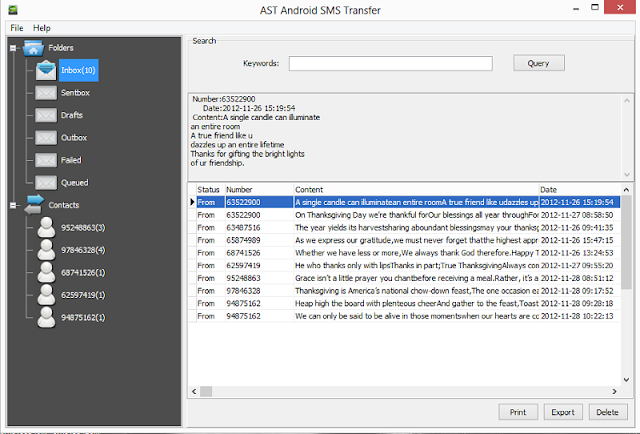
Tip, with the android sms transfer pc/mac version, the backuped sms could be viewed, edited, printed, also could be restored to any other android phone with this android sms transfer "sms backup/restore" app.